
Jump to content

Recommended Posts

  • Administrators

  • Group:  Administrators
  • Followers:  243
  • Content Count:  2,301
  • Content Per Day:  1.30
  • Reputation:   3,976
  • Days Won:  1,202
  • Joined:  12/25/2021
  • Status:  Online
  • Last Seen:  

Posted

BDM100 v1255 Galletto x64 + Installation Guide

View File

BDM100 v1255 Galletto x64 + Installation Guide

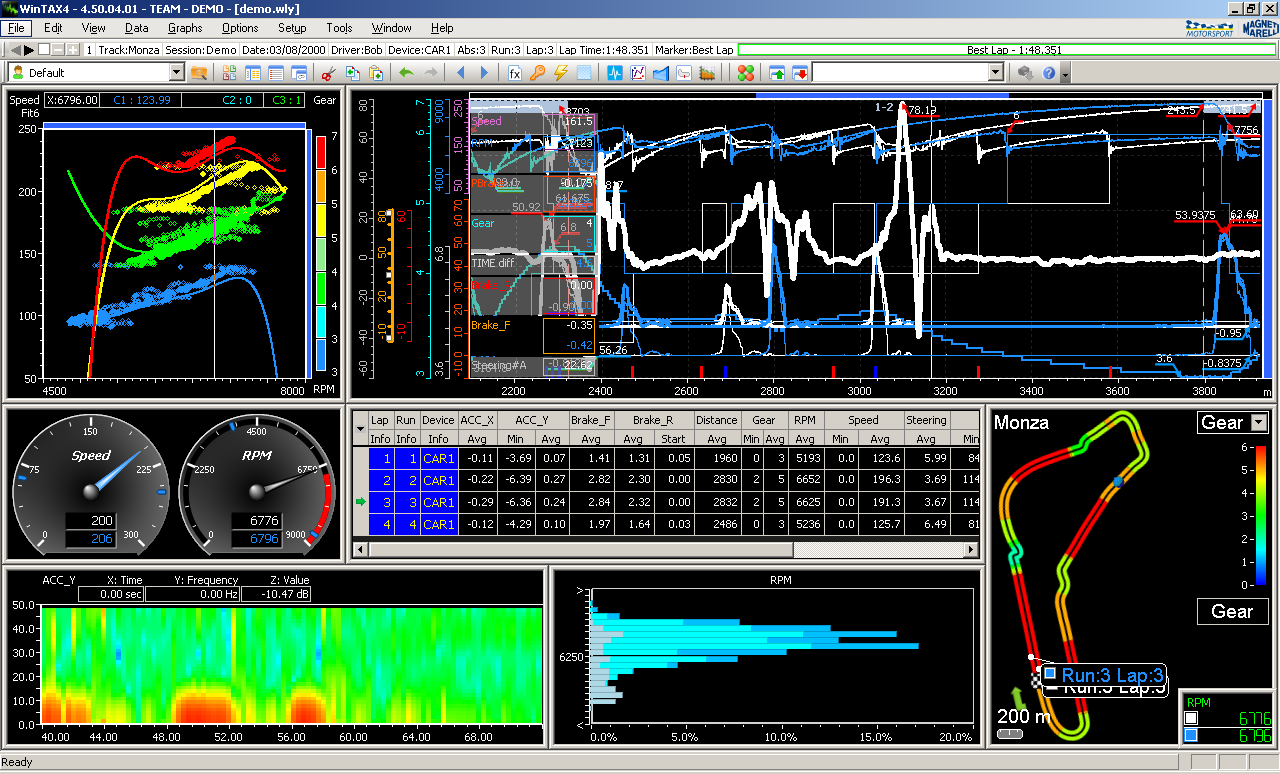
Capture.PNG

The BDM100 v1255 application (originally developed within the Dimsport / CMD ecosystem) is a dedicated 32-bit bench-flashing utility designed to access microcontrollers via Background Debug Mode.

Core Purpose & Functionality

  • Target Microcontrollers: Specifically built for the Motorola/NXP MPC5xx family (e.g., MPC555, MPC556, MPC561, MPC562, MPC563, MPC564).

  • Full Cloning Capability: Performs complete raw binary backups and writes without needing desoldering:

    • Internal Flash / ROM: Inside the MPC5xx processor.

    • External Flash: Parallel flash memory chips (e.g., AMD/Spansion AM29BL802CB, 28F800).

    • Serial EEPROM: Small configuration/immobilizer memory (e.g., 95160, 95320, 95640).

  • Single vs. Split Saves: Allows reading and writing individual memory blocks separately or dumping a combined monolithic binary (.bin) for complete ECU cloning.

  • Brick Recovery: Because it interfaces via hardware debug pins directly on the motherboard, it can recover "bricked" ECUs failed by bad OBD writes or incorrect checksum recalculations.

HOW TO DOWNLOAD 👇


Join the conversation

You can post now and register later. If you have an account, sign in now to post with your account.

Guest
Reply to this topic...

×   Pasted as rich text.   Paste as plain text instead

  Only 75 emoji are allowed.

×   Your link has been automatically embedded.   Display as a link instead

×   Your previous content has been restored.   Clear editor

×   You cannot paste images directly. Upload or insert images from URL.

×
×
  • Create New...