
About This File
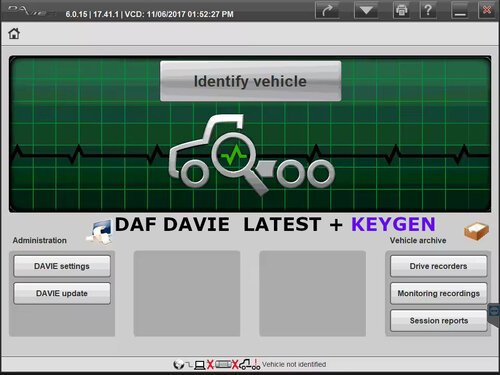
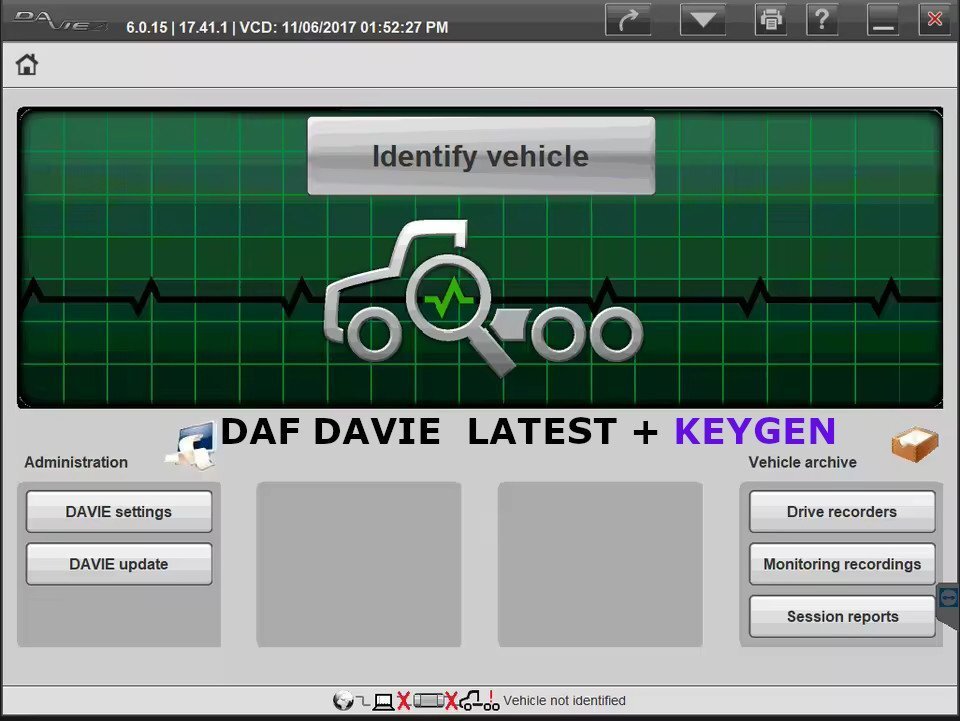
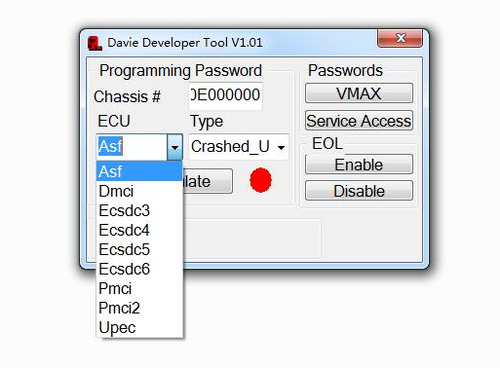
DAF DAVIE LATEST + KEYGEN
- Close Davie
[1] - Install "Original bin" and "Original Daf Base" (replace all existing files)
[2] - Go to 'C:\DAVIE\home\bin' and DELETE ''SIDIS ADMX Davie 3:ADM Siemens AG'' Application (3.39mb)
[3] - Generate HWID
[4] - Start "Keygen" and pick file created by Hwid.exe (EXPIRE_FIX_30002\2.Get_HWID\*******.txt)
[5] - Copy license file (EXPIRE_FIX_30002\2.Get_HWID\DavieLic.ini) to the root directory of drive "C:\"
[6] - Run fix (EXPIRE_FIX_30002\4.Instal_Fix\Davie561Fix.exe)
- Restart OS.
HOW TO DOWNLOAD 














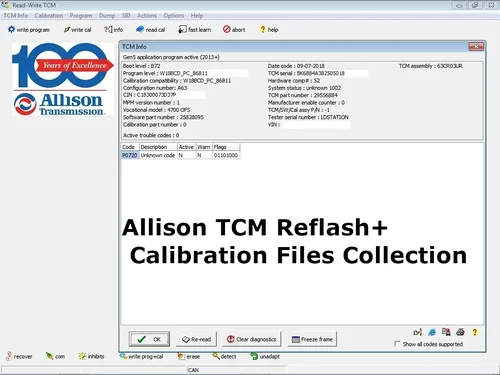
![More information about "HPT Tune Repository 3500 FILES [1997/2018]"](https://lymuna.org/uploads/monthly_2023_05/Capture.thumb.PNG.4952bb41d4a0f784c43b4abb4a4b4136.PNG)

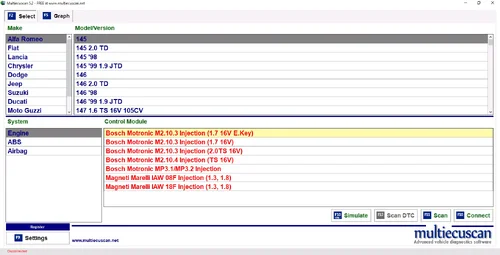
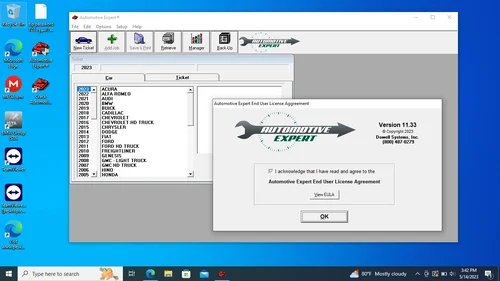

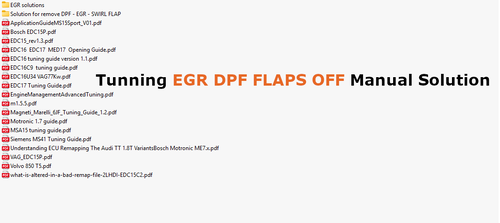









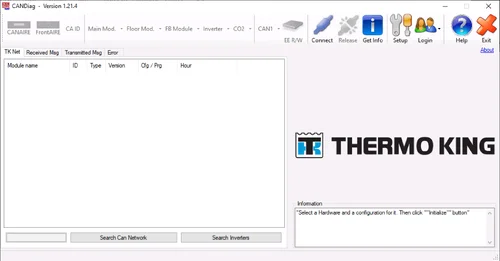
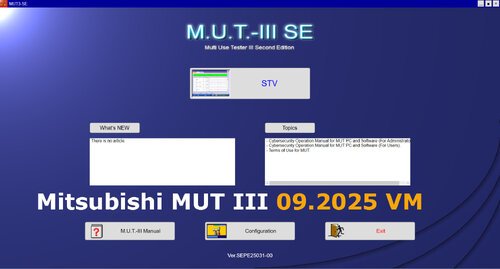
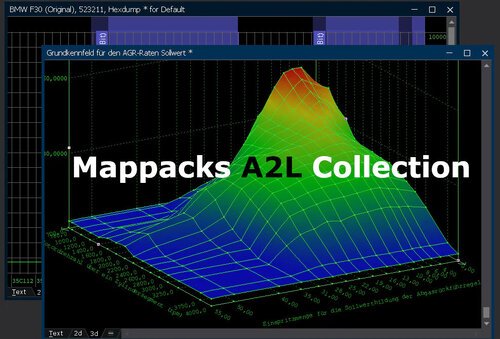
.thumb.png.402c8fdc183028cda5dcc29671fbafdb.png)
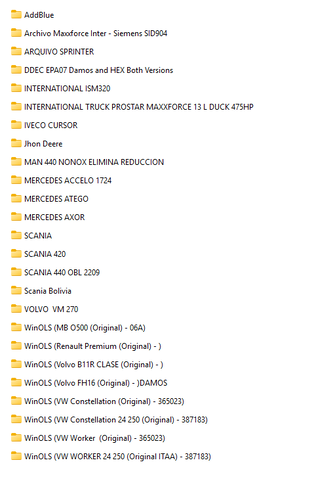







.thumb.jpg.3fd3239c5d782486ba5613400c7acd0f.jpg)
.thumb.jpg.89a455ba1fe01f5d589c8319fe63320b.jpg)



































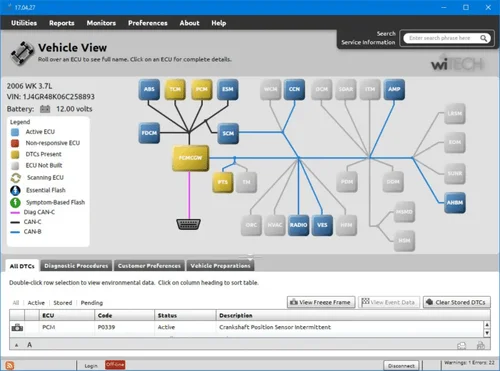


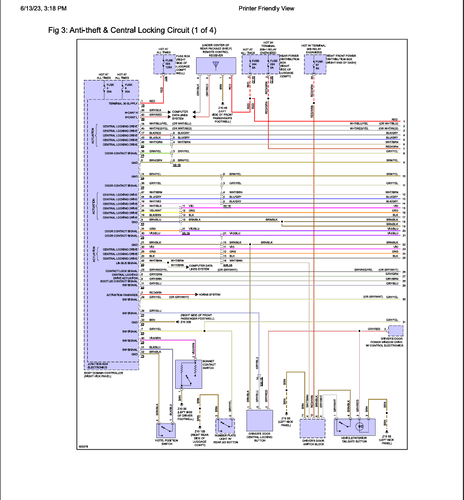

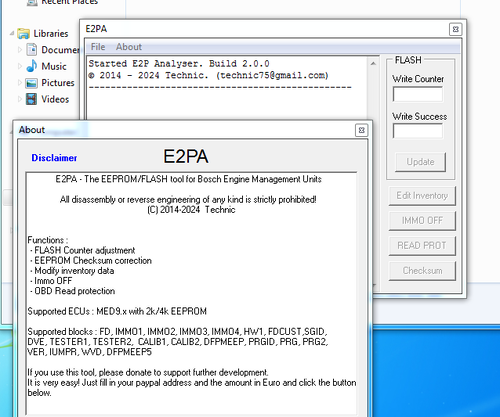

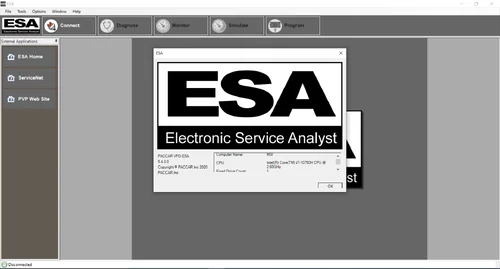

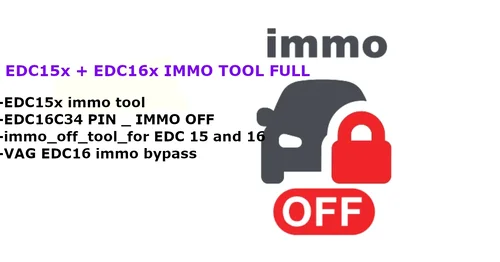

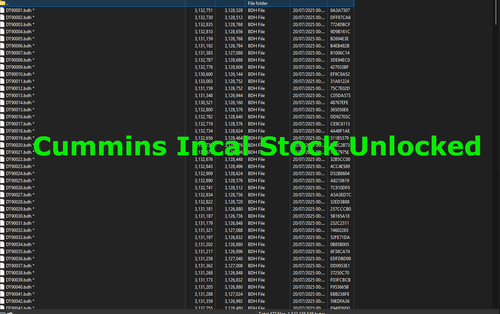


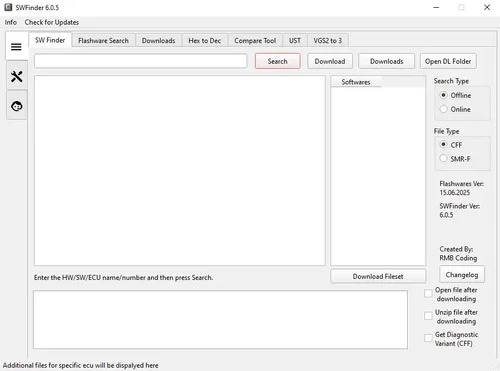



.thumb.png.c923739ab8a00aaabb16f9043fa96c91.png)

-1253-p.thumb.jpg.0946bc8d7d2099170f08783e1c0ee366.jpg)





.thumb.jpg.9bc346582ca28697c8b2749c97c30199.jpg)





















.thumb.jpg.66fc42512471132da179089917cd635d.jpg)
.thumb.png.4ea401643e4a0d45bfd14088cc1e6853.png)
.thumb.png.375e20385b495a0263b8118d5f438560.png)